
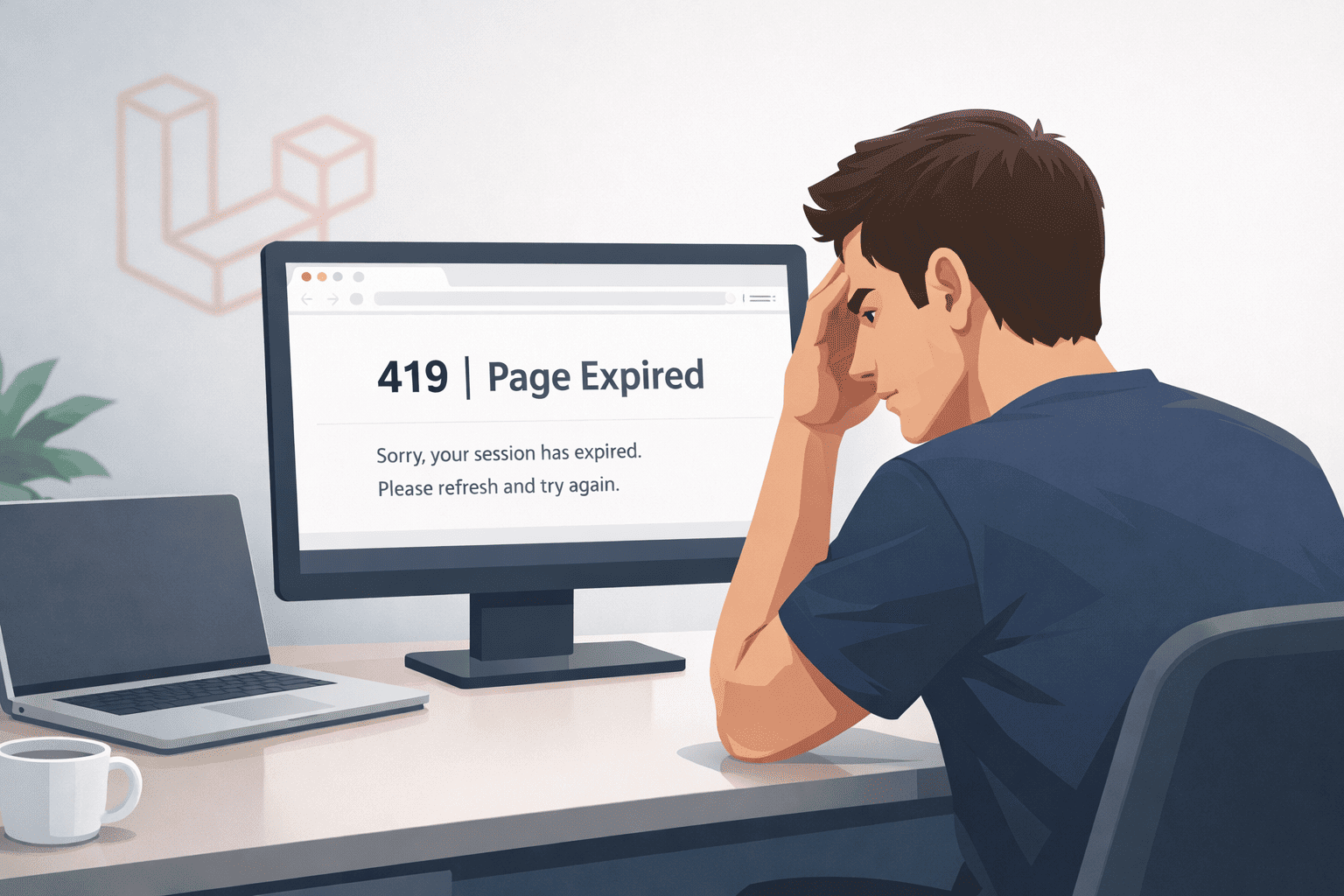
You know that feeling when you spend hours building a form, hit Submit, and instead of getting a success message… you get slapped with a giant “419 | Page Expired” error?
Yeah. Been there.
That’s the CSRF Token Mismatch error in Laravel, and if you’re reading this, there’s a good chance it’s driving you crazy right now. The good news? It’s actually pretty easy to fix once you understand what’s going on. Let me walk you through it.
What Is a CSRF Token in Laravel?
Before we start throwing code at the problem, let’s take 60 seconds to understand what a CSRF token actually is.
CSRF stands for Cross-Site Request Forgery — a type of attack where a malicious website tricks a user’s browser into sending an unwanted request to your app. Nasty stuff.
To prevent this, Laravel generates a unique, secret token for every user session. When a form is submitted, Laravel checks whether the token in the form matches the one stored in the session. If they match — great, the request goes through. If they don’t — Laravel throws the CSRF Token Mismatch error and blocks the request.
It’s a security feature, not a bug. But it can absolutely feel like a bug when it keeps stopping your legitimate forms.
Why Does the “CSRF Token Mismatch” Error Happen?
The error typically shows up because of one of these reasons:
- You forgot to include the
@csrfdirective in your Blade form - The user’s session expired (the token is no longer valid)
- You’re making an AJAX request without sending the token in the headers
- Your session configuration is misconfigured
- You’ve got a caching issue serving stale HTML with an old token
Let’s go through each one and fix them.
Step-by-Step Fixes for CSRF Token Mismatch in Laravel
Fix #1 — Add @csrf to Your Blade Form
This is the most common culprit, especially for beginners. If you’ve created a form without the @csrf directive, Laravel has nothing to verify.
Wrong (missing @csrf):
<form method="POST" action="/submit">
    <input type="text" name="name">
    <button type="submit">Submit</button>
</form>Correct:
<form method="POST" action="/submit">
    @csrf
    <input type="text" name="name">
    <button type="submit">Submit</button>
</form>That @csrf compiles to a hidden input field like this:
<input type="hidden" name="_token" value="your-unique-token-here">Always make sure every POST, PUT, PATCH, or DELETE form has @csrf inside it.
Fix #2 — Handle CSRF in AJAX Requests
This one trips up a lot of developers. When you’re making AJAX requests, the form token isn’t automatically included. You have to pass it manually.
Option A — Using jQuery:
First, add the CSRF token to your meta tags in the <head> of your layout:
<meta name="csrf-token" content="{{ csrf_token() }}">Then, set it as a default header in jQuery:
$.ajaxSetup({
    headers: {
        'X-CSRF-TOKEN': $('meta[name="csrf-token"]').attr('content')
    }
});Now every jQuery AJAX call will automatically include the token.
Option B — Using Vanilla JavaScript (Fetch API):
const token = document.querySelector('meta[name="csrf-token"]').getAttribute('content');

fetch('/your-endpoint', {
    method: 'POST',
    headers: {
        'Content-Type': 'application/json',
        'X-CSRF-TOKEN': token
    },
    body: JSON.stringify({ name: 'John' })
});Option C — Using Axios (if you’re using it):
Laravel’s default bootstrap.js already handles this for Axios. But if you’re setting it up manually:
axios.defaults.headers.common['X-CSRF-TOKEN'] = document.querySelector('meta[name="csrf-token"]').getAttribute('content');Fix #3 — Deal with Expired Sessions
If a user opens a form, walks away, comes back 30 minutes later, and hits submit — the session may have expired. The token is gone, and Laravel blocks the request.
You have a couple of options here:
Option A — Extend the session lifetime in config/session.php:
'lifetime' => 240, // minutes (default is 120)Option B — Catch the exception and show a friendly message. Open app/Exceptions/Handler.php and handle TokenMismatchException:
use Illuminate\Session\TokenMismatchException;

public function render($request, Throwable $exception)
{
    if ($exception instanceof TokenMismatchException) {
        return redirect()->back()
            ->withInput()
            ->withErrors(['token' => 'Your session expired. Please try again.']);
    }

    return parent::render($request, $exception);
}This way, the user doesn’t see a scary 419 page — they just get redirected back with their data intact and a helpful message.
Fix #4 — Check Your Session Configuration
Sometimes the issue isn’t the token itself, but the session driver not working correctly. Open config/session.php and check:
'driver' => env('SESSION_DRIVER', 'file'),Make sure your .env file matches:
SESSION_DRIVER=fileIf you’re on a server and using the file driver, double-check that the storage/framework/sessions directory exists and is writable by the web server. You can fix permissions with:
chmod -R 775 storage
chown -R www-data:www-data storageIf you’re using the cookie driver, make sure your APP_URL in .env matches the actual domain you’re on. A mismatch in domain/subdomain can cause session cookies to not be sent back correctly.
Fix #5 — Clear Cache and Config
Sometimes old cached views or config files cause the issue. Just run these commands and try again:
php artisan config:clear
php artisan cache:clear
php artisan view:clear
php artisan route:clearThen regenerate the optimized files:
php artisan config:cache
php artisan route:cacheThis is often an overlooked fix — you’d be surprised how often this alone solves the problem.
Fix #6 — Excluding Specific Routes from CSRF (Use with Caution)
Sometimes you have routes — like webhook endpoints from third-party services like Stripe or PayPal — that legitimately shouldn’t require a CSRF token. In that case, you can exclude them.
In Laravel 10 and below, add them to the $except array in app/Http/Middleware/VerifyCsrfToken.php:
protected $except = [
    'stripe/webhook',
    'paypal/ipn',
];In Laravel 11+, you register exceptions in bootstrap/app.php:
->withMiddleware(function (Middleware $middleware) {
    $middleware->validateCsrfTokens(except: [
        'stripe/webhook',
    ]);
})⚠️ Warning: Only exclude routes that truly don’t need CSRF protection. Never exclude user-facing form routes.
Real-World Debugging Tips
Here are a few things I’ve personally had to debug that you might run into:
- Multiple tabs: If a user has the same form open in multiple browser tabs and submits from an older tab, the token may have already been refreshed in another tab. This is tricky, but improving session expiry UX (Fix #3) helps.
- Reverse proxy / load balancer: If you’re behind a proxy and your
APP_URLdoesn’t match what the server reports as the host, sessions may not persist properly. Always setAPP_URLcorrectly in.env. - Incognito mode: Sessions can behave differently in private browsing. Test in a normal browser tab first before assuming it’s a code issue.
- CDN caching HTML pages: If a CDN is caching your HTML with an embedded token, every user gets the same (expired) token. Never let CDNs cache HTML that contains CSRF tokens.
Quick Checklist to Fix CSRF Error Fast
When you hit the 419 error, run through this list in order:
- Does the form have
@csrfinside it? - If AJAX, is the
X-CSRF-TOKENheader being sent? - Is the
<meta name="csrf-token">tag in the<head>? - Has the session expired? Try refreshing and resubmitting immediately.
- Is the
storage/framework/sessionsfolder writable? - Does your
SESSION_DRIVERin.envmatchconfig/session.php? - Have you cleared config, view, and route caches?
- Is
APP_URLin.envexactly matching your domain?
Nine times out of ten, one of these is the culprit.
Best Practices to Avoid CSRF Errors in Future
- Always use
@csrfas a habit. Make it muscle memory — the first thing you type after<form method="POST">. - Set up Axios or jQuery global headers at the very start of your project so every AJAX call is covered automatically.
- Use
metatag for tokens, not inline JS variables. It’s cleaner and easier to reference globally. - Handle
TokenMismatchExceptiongracefully so users never see the 419 page — always redirect back with a friendly message. - Don’t set session lifetime too short. If users commonly take longer to fill forms, a 30-minute lifetime is too short.
- Never cache HTML with CSRF tokens at the CDN layer. Cache CSS, JS, images — not dynamic HTML.
- Test AJAX-heavy pages regularly after changes to your JavaScript setup.
The CSRF Token Mismatch error in Laravel is one of those errors that looks intimidating at first but is almost always caused by something small and fixable. At its core, Laravel is just trying to protect your users — and once you understand that, working with the CSRF system becomes natural rather than frustrating.
The most common fix? Add @csrf to your form. The second most common? Pass the token in your AJAX request headers. Everything else in this guide covers edge cases you’ll run into as your projects grow.
Next time you see that 419 error, don’t panic — just run through the checklist above and you’ll have it sorted in minutes.
If this helped, share it with a developer friend who still thinks 419 is just a HTTP status code and not a personal attack.
Leave a Reply