
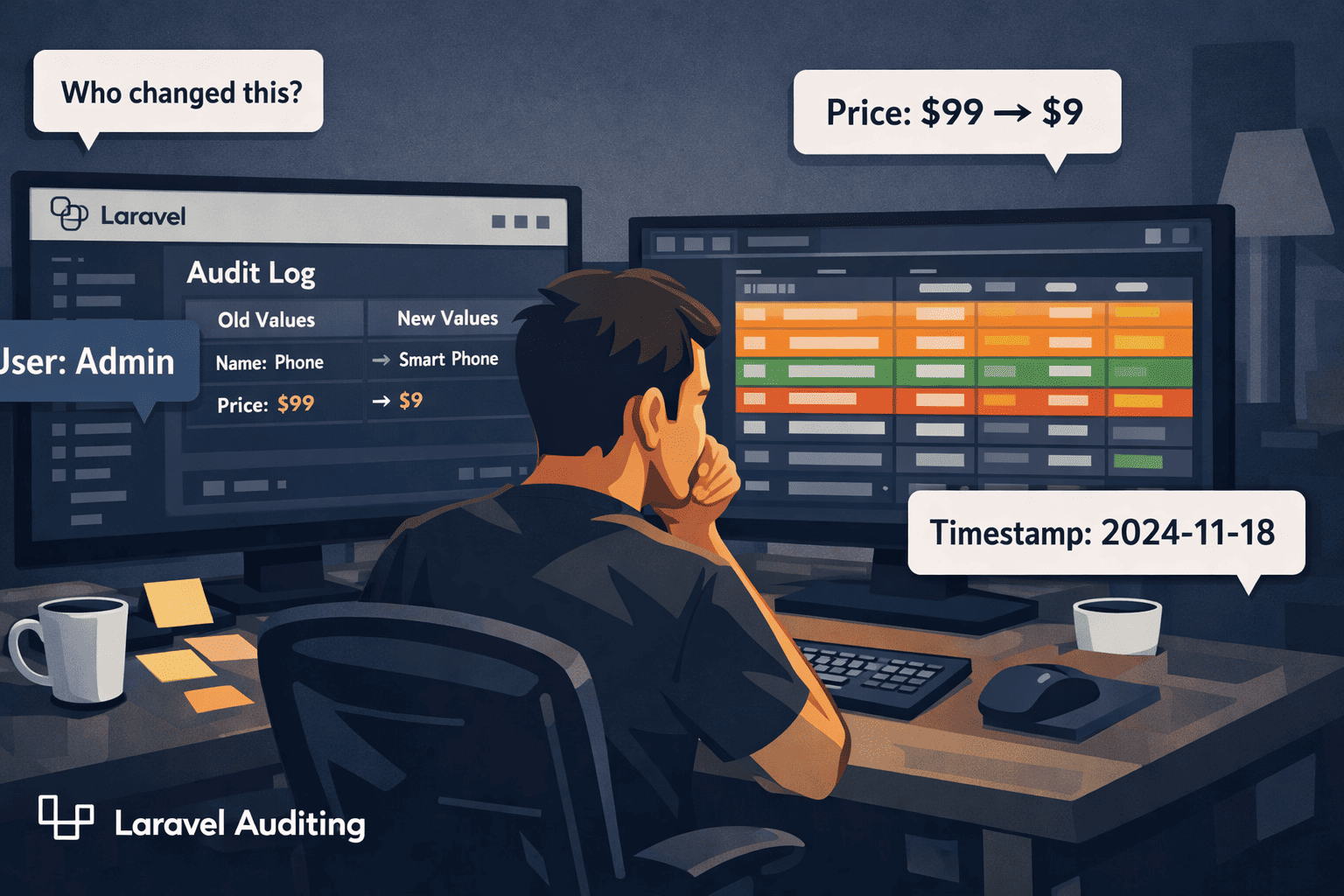
The Problem Nobody Talks About (Until It’s Too Late)
Laravel Auditing is one of those things you don’t think about until something breaks — and by then, it’s already too late.
You’re three months into a project. Everything is running fine. Then one day, your client calls and says, “Someone changed the product price from $99 to $9 and we lost thousands of dollars. Who did it?”
You open your database. You see the current value. But the old one? Gone. No trace. No history. Nothing.
Sound familiar? I’ve seen this happen a lot — especially in admin-heavy apps where multiple users can edit the same records. And the worst part? It’s not always malicious. Sometimes it’s an honest mistake. But without a proper audit trail, you have absolutely no way to know what happened, when it happened, or who did it.
This is exactly the kind of problem that Laravel Auditing solves — quietly, automatically, and without you having to write a single line of custom logging code.
What Even Is Auditing? (Plain English, I Promise)
Auditing is simply keeping a history of changes in your application. Every time a record is created, updated, or deleted — you store a snapshot of what it looked like before and after.
Think of it like your bank account’s transaction history. You don’t just see your current balance. You see every deposit, every withdrawal, every transfer — with timestamps and descriptions. That history is what makes the system trustworthy.
The same idea applies to your web app. If your app deals with products, orders, users, invoices, or anything that humans can edit — you need an audit trail. Not just for debugging. For trust. For accountability. For compliance.
Real apps where this matters:
- Admin panels — multiple admins editing records, and you need to know who changed what
- Finance or billing apps — any change to a transaction should be recorded
- Healthcare or legal apps — strict compliance requirements for data changes
- E-commerce — price changes, inventory edits, order status updates
Without auditing, your app is basically flying blind.
Why Most Developers Do It Wrong
Here’s the thing — most developers know they need logging. But the way they go about it is… painful.
I’ve seen codebases where every controller has manual logging like this:
Log::info('User ' . auth()->id() . ' updated product ' . $product->id);That’s fine for a start. But it breaks down fast. You forget to add it in some places. You log the wrong fields. You don’t capture the old values. You don’t store it in a queryable format. And six months later, when something goes wrong, your logs are a mess of unstructured text that’s nearly impossible to search through.
Manual logging has three big problems:
1. It’s inconsistent. You add it where you remember to add it, and skip it where you don’t. There’s always a gap.
2. It’s error-prone. You log the wrong user, the wrong model, the wrong timestamp. And you don’t find out until something goes wrong.
3. It doesn’t scale. When you have 20 models that need auditing, writing custom logging for each one is a nightmare. And god forbid the logic changes — now you have to update it in 20 places.
There has to be a better way. And there is.
Meet the Package: owen-it/laravel-auditing
The package is called Laravel Auditing, maintained by owen-it, and it is genuinely one of the most useful packages in the Laravel ecosystem that most developers don’t know about.
Here’s what it does:
- Automatically tracks create, update, and delete events on your Eloquent models
- Stores the old values and new values of every changed field
- Records which user made the change (automatically from your auth session)
- Stores the IP address, URL, and user agent of the request
- Gives you a clean, queryable
auditstable to look everything up
You add one trait to your model. That’s it. The rest happens automatically.
You’ll love this part — it works with your existing Eloquent models. No restructuring, no custom observers (unless you want them), no extra service classes. It just hooks into Laravel’s model events behind the scenes and does its thing silently.
Install & Setup in 5 Minutes
Let’s get it running. I’ll keep this short and practical.
Step 1: Install the package
composer require owen-it/laravel-auditingStep 2: Publish the config and migration
php artisan vendor:publish --provider "OwenIt\Auditing\AuditingServiceProvider" --tag="config"
php artisan vendor:publish --provider "OwenIt\Auditing\AuditingServiceProvider" --tag="migrations"Step 3: Run the migration
php artisan migrateThis creates an audits table in your database. This is where all the change history will be stored.
Step 4: Add the trait to your model
Open whatever model you want to track — let’s say Product:
<?php

namespace App\Models;

use Illuminate\Database\Eloquent\Model;
use OwenIt\Auditing\Contracts\Auditable;

class Product extends Model implements Auditable
{
    use \OwenIt\Auditing\Auditable;

    protected $fillable = ['name', 'price', 'stock'];
}That’s it. Seriously. From this point on, every time a Product record is created, updated, or deleted — Laravel Auditing will capture it.
No extra code in controllers. No observers. No event listeners. Just the trait.
Old Values vs New Values — How It Works
This is where it gets really useful.
Every audit entry stored in the audits table has two key columns: old_values and new_values. They’re JSON columns, and they store exactly what changed.
Here’s what a typical audit record looks like when someone updates a product price:
{
  "old_values": {
    "price": 99.00
  },
  "new_values": {
    "price": 9.00
  }
}Along with that, you get:
| Field | Value |
|---|---|
user_id | 12 |
event | updated |
auditable_type | App\Models\Product |
auditable_id | 47 |
ip_address | 103.45.22.1 |
created_at | 2024-11-18 14:32:07 |
Now instead of guessing who changed something, you have a complete, timestamped record of every modification. You can query it, display it in an admin panel, or export it for compliance reports.
To fetch all audits for a product in your code:
$product = Product::find(47);

foreach ($product->audits as $audit) {
    echo $audit->event;          // "updated"
    echo $audit->user_id;        // 12
    echo $audit->old_values;     // {"price": 99}
    echo $audit->new_values;     // {"price": 9}
    echo $audit->created_at;     // 2024-11-18 14:32:07
}Simple, clean, and actually useful.
A Real-World Story (This Happens More Than You Think)
Let me paint you a picture.
You’re building an e-commerce admin panel. There are five admins. One morning, the client notices that a product — a laptop worth $1,200 — is showing up as $12 on the website. Orders came in overnight. It’s chaos.
Without auditing, here’s what happens: you check the database, the price is $12, and… that’s all you know. You ask all five admins. Everyone says “not me.” You have no proof. You can’t even confirm whether it was a human or a bug in an import script.
With Laravel Auditing, here’s what happens: you open your audit logs, filter by auditable_type = 'Product' and auditable_id = 99, and in five seconds you see:
- Event: updated
- Old price: 1200
- New price: 12
- User: admin@company.com (ID: 4)
- Time: 2024-11-17 11:48 PM
- IP: 192.168.1.5
Problem solved. Root cause identified. You know exactly what happened, when, and who did it.
That’s the power of a proper audit trail. It’s not just about debugging — it’s about trust.
Bonus: You Can Control What Gets Audited
One thing I really like about this package is how flexible it is. You don’t have to audit every single field. Sometimes you want to skip things like updated_at or internal flags.
You can use $auditExclude to skip fields:
protected $auditExclude = [
    'updated_at',
    'last_login',
];Or use $auditInclude to only audit specific fields:
protected $auditInclude = [
    'price',
    'stock',
    'status',
];This keeps your audits table clean and focused on what actually matters.
Why This Package Is a Hidden Gem
Honestly, I’m surprised more Laravel developers don’t use this. It solves a real problem that every serious application faces — and it does it with almost zero setup.
Here’s what you get out of the box, without writing custom code:
- Full change history for any Eloquent model
- Old and new values stored as queryable JSON
- Automatic user tracking (no need to pass
auth()->id()manually) - IP address and request metadata
- Flexible configuration — include or exclude fields, disable auditing temporarily, even write custom drivers
Compare that to building this yourself. You’d need a custom database table, observers for every model, manual auth injection, and ongoing maintenance every time your models change. That’s days of work for something this package does in five minutes.
If you’re building anything beyond a basic CRUD app — and especially if other people have access to edit data — you need an audit trail. Full stop.
Laravel Auditing makes this so easy that there’s really no excuse not to add it. Install the package, add the trait, run the migration. Five minutes. And from that point on, your app keeps a complete, reliable history of every important change.
The next time a client asks “who changed this?” — you’ll have an answer. And that feeling? It’s worth more than any feature you could build.
Give it a try in your next project. You’ll wonder how you ever shipped without it.
If you found this useful, follow for more practical Laravel tips — covering packages, patterns, and real-world solutions that actually save time.
Leave a Reply